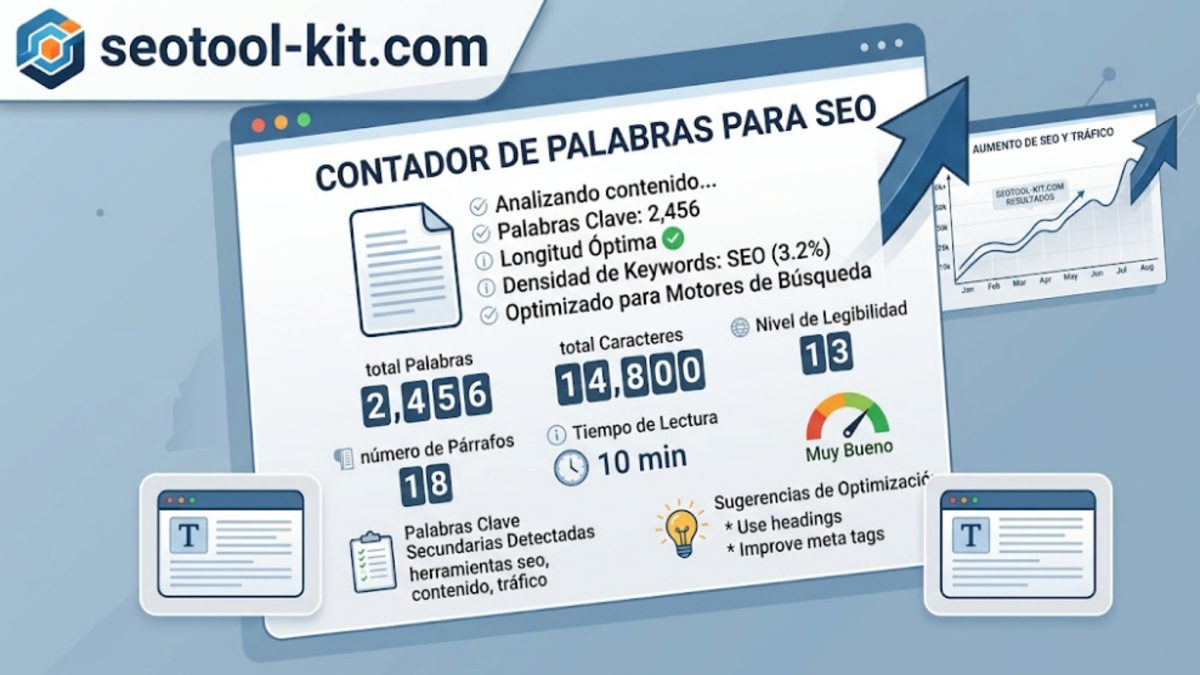
Length follows intent
Google does not require an exact number of words. A useful length is the one needed to answer the query completely, clearly and better than competing pages.
- Check length before publishing.
- Find sections that need evidence or explanation.
- Break up dense paragraphs for easier reading.
- Compare depth with the real search intent.
Try the free word counter while editing your next page.
What the numbers can tell you
Word count is useful as an editing signal, not as a ranking target. A short page may be exactly right for a direct task, while a complex comparison may need more explanation, examples and evidence. Compare your draft with the questions users actually need answered.
Character and paragraph counts help you spot dense passages and uneven sections. Reading time can reveal when an introduction is much longer than the value it delivers. Use the numbers to ask better editorial questions rather than adding filler.
A simple editing routine
- Write the complete answer without worrying about a target number.
- Remove repetition, vague claims and sections that do not serve the intent.
- Add missing context, examples or steps that make the answer actionable.
- Break long paragraphs and add headings where the reader needs a pause.
- Review the final page with titles, links and accessibility in mind.
Pair the counter with the SEO audit to check the surrounding technical signals before publishing.